

Dynamic Text Highlighting
When users scan search results, they need to quickly confirm that a result is relevant before clicking. Dynamic text highlighting wraps matching query terms in result snippets, so users see exactly why a result was returned. Faster decision-making, higher click-through rates, and reduced pogo-sticking.
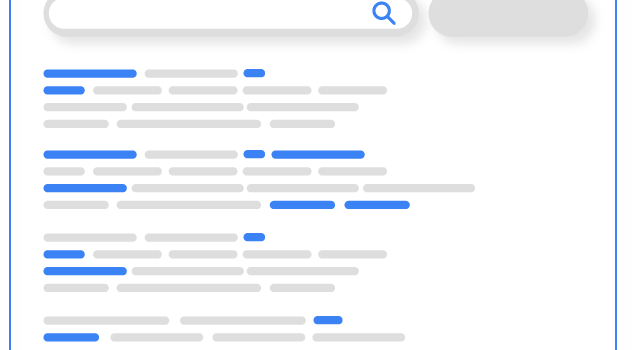
How it works
Query is submitted
Keyspider processes the query and identifies matching documents. For each result, it locates the passages where query terms appear.
Best snippet is extracted
Rather than showing the first 150 characters, Keyspider finds the passage with the highest density of query term matches, giving users the most signal-rich preview.
Terms are wrapped and rendered
Matching terms are wrapped in a highlight element styled to your specification. The result renders with visual emphasis that draws the eye to the relevant content.
Use cases
Long-form knowledge bases
Articles with thousands of words become instantly scannable. Users see the exact sentence containing their answer, without reading the whole article first.
Legal & policy document search
Clause matching is highlighted within complex documents. Legal professionals find the relevant section without manually searching through multi-page PDFs.
News & editorial archives
Readers scanning dozens of results can immediately confirm relevance from the highlighted snippet, increasing engagement and time on site.
Ready to give your users better answers?
AI Search, AI Assistant, and Workplace Search. Deployed in days, not months. See it live on your own content.
No credit card required · Live in 2 weeks · Cancel anytime