

Spell Check / Did You Mean
Misspellings are inevitable, losing users because of them is not. Keyspider's spell check engine automatically corrects common errors and offers 'Did you mean?' suggestions when a query returns no results. Users stay on track, zero-result rates drop, and search satisfaction improves.
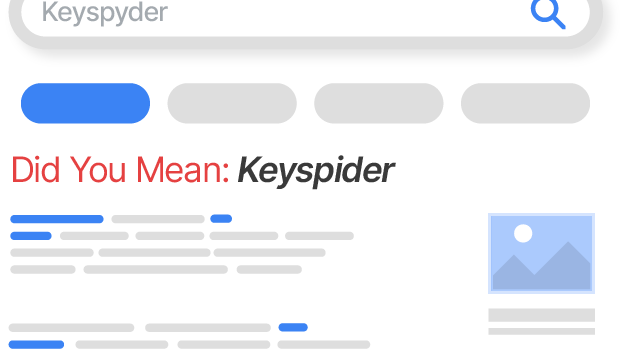
How it works
User submits a misspelled query
Keyspider detects that the query as typed returns zero or very few results, a strong signal that the input may be misspelled.
Correction is generated or suggested
If confidence is high, results are automatically shown for the corrected term. If confidence is lower, a 'Did you mean: [correction]?' prompt appears above the result list.
User confirms or overrides
Users can accept the suggestion with one click, or choose to search exactly as typed. Either way, they're never left with a dead end.
Use cases
Public-facing portals
Citizens and customers don't always know the correct spelling of service names, departments, or regulatory terms. Spell check bridges the gap without requiring perfect input.
Technical documentation
Product names, API method names, and technical jargon are easily mistyped. Spell check helps users find the right function or feature despite keyboard errors.
Mobile-first search
Touchscreen keyboards produce far more typos than desktop keyboards. Spell check is especially high-value for search experiences accessed primarily on mobile.
Ready to give your users better answers?
AI Search, AI Assistant, and Workplace Search. Deployed in days, not months. See it live on your own content.
No credit card required · Live in 2 weeks · Cancel anytime