

Your Newest PDF Is Already Out of Compliance
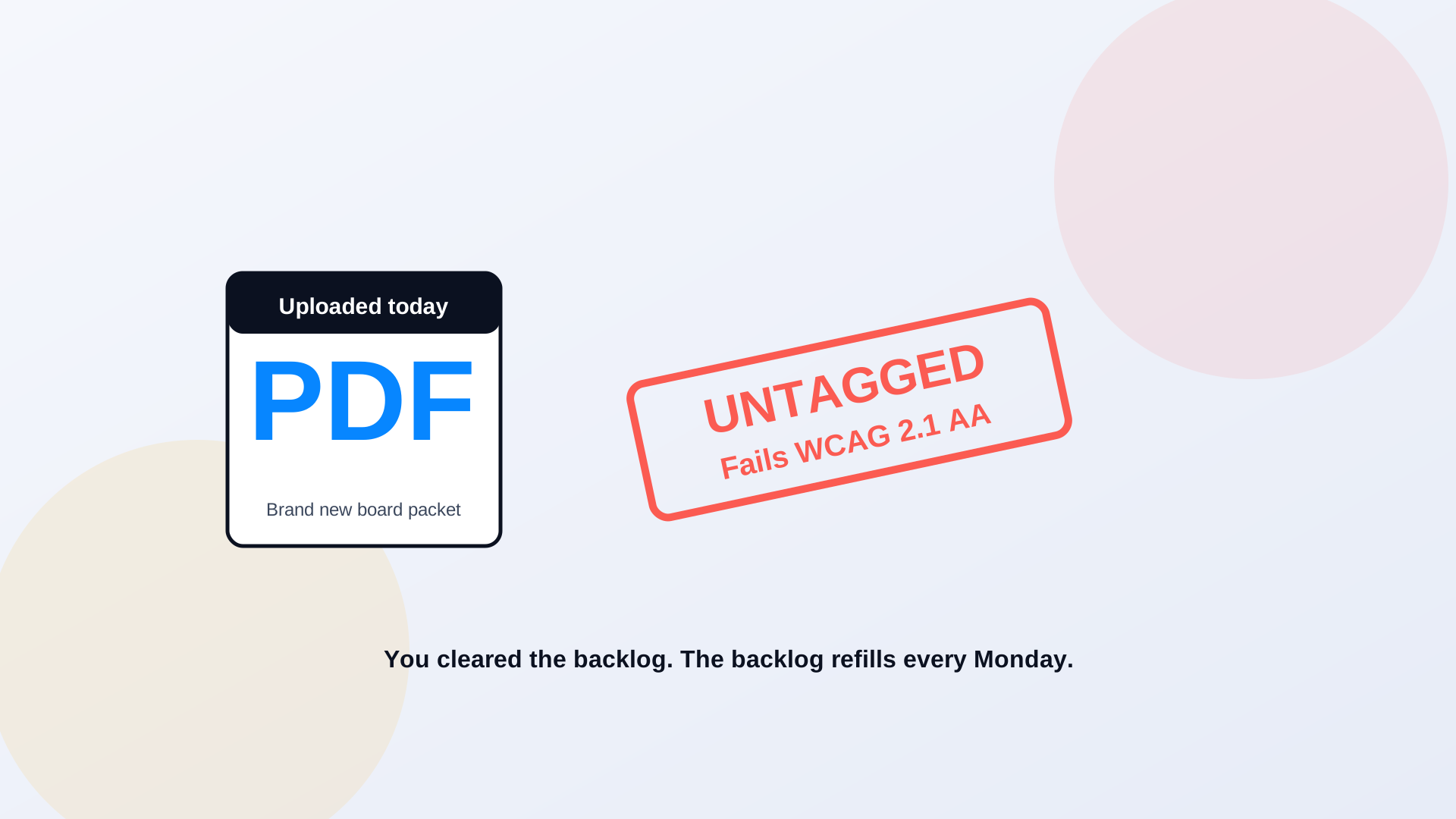
Say you did it. You funded the project, worked through the archive, and tagged the thousands of legacy PDFs that had been failing screen readers for years. The audit came back clean. Someone sent a celebratory email. And then, the following Monday, the planning commission posted its agenda, the clerk uploaded a board packet, and the parks department published a flyer, all as fresh, untagged, non-compliant PDFs. The backlog you just cleared started refilling before the coffee was cold. That's the part nobody warns you about: remediation isn't a project with an end date. It's a tap that never stops running.
Most agencies approach PDF accessibility as a one-time cleanup. Get the archive compliant, check the box, move on. But a government website is a publishing operation. Every week, departments produce agendas, minutes, notices, budgets, and forms, and unless something changes the way those documents are made, each one arrives with the same problems you just spent months fixing: no tags, no reading order, no alt text, tables that read as gibberish. The bucket is empty for exactly as long as it takes the faucet to refill it.
The Deadline Passed. The Obligation Didn't.
The DOJ's ADA Title II rule put hard dates on web and document accessibility for state and local government, and a lot of agencies treated those dates as a one-time cliff to clear. They aren't. The standard, WCAG 2.1 AA, applies to what you publish going forward, not just what was sitting there on deadline day. A document posted the week after your audit is held to the same bar as one posted the week before. Compliance isn't a state you reach and keep. It's a condition every new file has to meet on its way out the door. We covered the deadline itself in the DOJ ADA Title II deadline and what happens now.
This is where the complaint risk actually lives. An old, untagged PDF buried in a 2019 archive is a real problem, but a brand-new inaccessible document is a worse look, because it shows the problem is ongoing rather than historical. When a resident files a complaint or a demand letter lands, "we're working through a legacy backlog" is a very different conversation from "we published this inaccessible file last Tuesday." The freshest failures are the ones that most clearly signal a process that isn't fixed. There's a playbook for that scenario in the government ADA complaint response playbook.
20-30 min
the manual tagging time per document, if a human does it by hand
every week
how often departments publish fresh agendas, packets, and notices
WCAG 2.1 AA
the standard every new document must meet, not just the old ones
You Can't Hand-Tag Your Way Out of a Faucet
If remediation means a staff member manually tagging each PDF at twenty to thirty minutes a file, the math never closes. Your publishing rate outpaces your tagging rate, and the backlog grows even while people work full-time to shrink it. Hiring more taggers just buys you a slightly slower loss. The only way to actually stay compliant is to change what happens at the moment of publishing, so documents come out accessible instead of getting fixed later. The cleanup crew can't keep up with the faucet. You have to fix the faucet.
PDF Accessibility AI is built for the ongoing flow, not just the one-time archive. It handles the repetitive structural work automatically, tagging, reading order, alt-text generation, across documents as they're published, and routes the output to a specialist for review rather than rebuilding every file by hand. Automation does the volume work that used to eat your staff's day. A human still checks the result, because complex tables and detailed images need judgment, which is exactly why DOJ was cautious about trusting automated tools alone on hard content. The full argument is in your website passed its audit, your PDFs didn't.
We celebrated finishing the remediation, then realized six weeks later we were already hundreds of documents behind again. The fix wasn't another cleanup. It was making accessibility part of how documents get published, so we stopped generating new violations every single week.
web accessibility coordinator, county government
A better long-term move: stop making PDFs the default
The most accessible document is often the one that was never a PDF. Content that lives as a real web page, structured HTML instead of a flattened file, is easier for screen readers, easier to search, and easier to keep current. Where the format allows it, publishing as an accessible page instead of a PDF removes the remediation problem at the source rather than solving it after the fact.
Build Accessibility Into Publishing, Not After It
The agencies that stay compliant are the ones that moved accessibility upstream, into the moment of publishing, instead of leaving it as a cleanup task that competes with everything else for staff time. When every new document runs through automated tagging and specialist review as part of going live, the archive stops filling with new violations, and your one-time remediation actually stays done. Treat it as a workflow, and the backlog you cleared this year doesn't quietly rebuild into next year's project. Where a document can become a web page instead, PDF to Page turns the file into structured, accessible HTML and sidesteps the tagging treadmill entirely.
Clearing the backlog is worth doing, but it's the start of the job, not the end of it. As long as your departments keep publishing, accessibility is a standing requirement, not a finished task. Fix how documents get made and reviewed, and you stop paying for the same cleanup twice.
Related reading
Want to know how fast your archive is refilling? Book a demo and we'll show you what your last month of published documents looks like to a screen reader.
Ready to see it in action?
Book a demo and we'll configure Keyspider on a live sample of your content, within 48 hours.
Book a Demo