

Your Website Passed Its Audit. Your 6,000 PDFs Didn't.
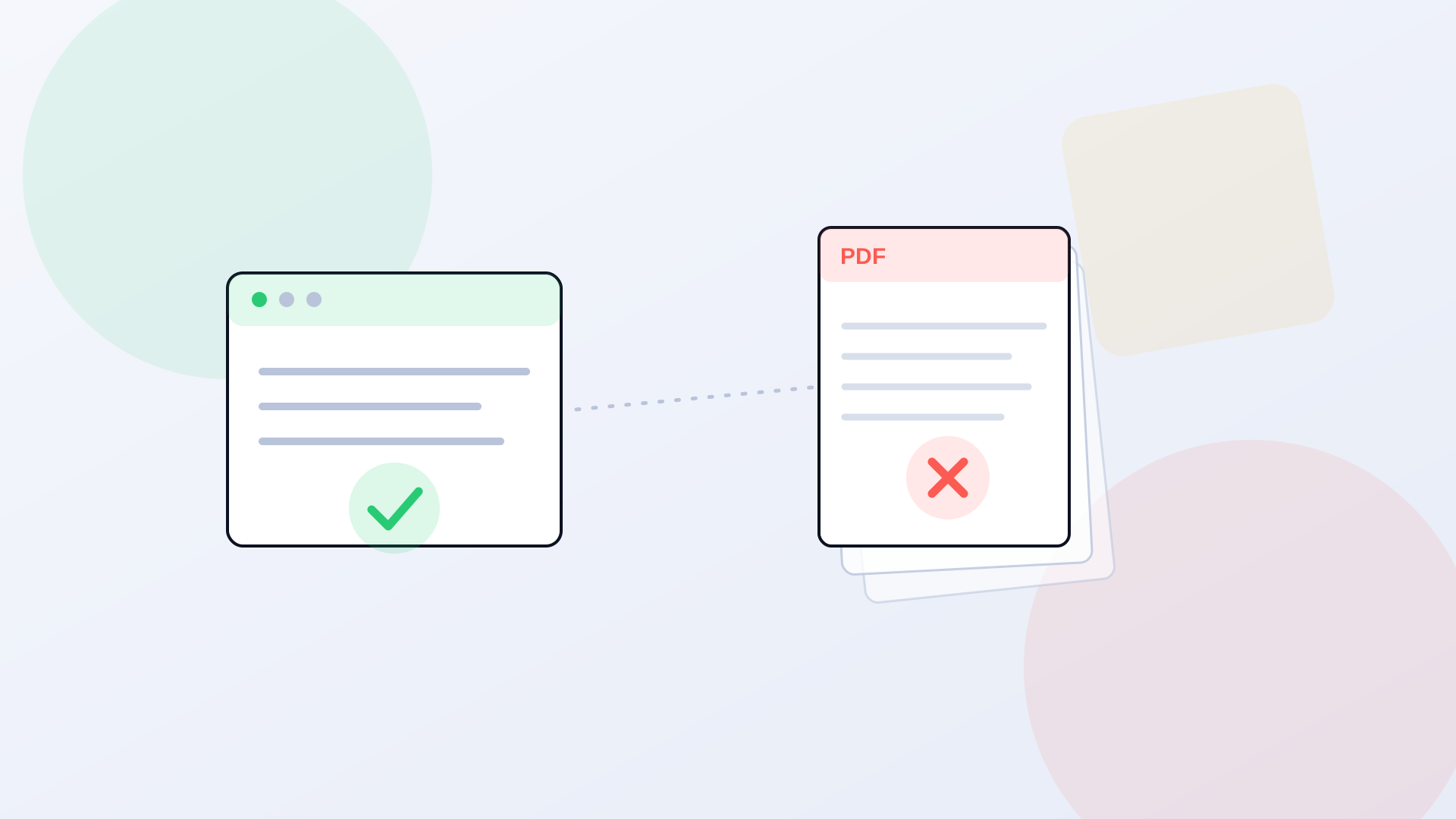
A city ran its website through an accessibility scanner, fixed the color contrast, added the missing alt text, cleaned up the heading structure, and got a passing report. Leadership relaxed. Then a resident using a screen reader tried to open the fall property tax form, a PDF uploaded in 2019, and heard nothing usable: no field labels, no reading order, just a wall of untagged content their software couldn't interpret. The website passed. The document a resident actually needed didn't. That gap is where most government accessibility exposure lives, and a website audit walks right past it.
Here's the uncomfortable part. The website is usually the easy 10%. It's the storefront, it gets attention, and modern CMS themes are mostly accessible out of the box. The PDF library is the other 90%, and it's been growing for a decade with almost nobody checking whether a screen reader can read any of it. Agendas, budgets, permit applications, benefit eligibility guides, board minutes, public notices. Thousands of files, uploaded by dozens of staff over many years, almost none of them tagged.
Why a Website Audit Misses the PDFs
Most automated accessibility scanners crawl HTML. They check the pages, the navigation, the forms rendered in the browser. When they hit a link to a PDF, they check that the link has readable text. They do not open the PDF and evaluate whether its internal structure works for assistive technology. So a scan can report a clean website while every document linked from that website fails, and the tool isn't wrong, it's just answering a narrower question than the one that matters.
This creates a false sense of done. An agency sees a compliance score in the 90s and reasonably concludes it's in good shape. The score covered the pages. It never touched the library. And the library is precisely where a blind resident, a disabled veteran, a parent using a screen reader to fill out a school form, runs into the wall.
What a Screen Reader Actually Hits
Open an untagged PDF with a screen reader and the experience ranges from frustrating to useless. Tables read as a scramble of disconnected cells with no row or column context. Scanned documents, the image-only kind an agency made by running paper through a copier, read as nothing at all, because there's no text layer underneath, just a picture of text. Multi-column layouts get read in the wrong order, so a two-column newsletter comes out interleaved into nonsense. Form fields have no labels, so the user hears "edit, edit, edit" with no idea what each box wants.
We walk through this in detail in our breakdown of what screen readers actually see in government PDFs, and the short version is blunt: a document your agency considers "posted online" can be completely unusable to the person the law is meant to protect. Posting is not the same as providing access. Those are two different verbs, and the gap between them is what a complaint is built on.
PDF/UA
the ISO standard for PDF accessibility that a website scan does not test against
20-30 min
typical manual remediation time per untagged PDF for a trained specialist
WCAG 2.1 AA
the DOJ Title II technical standard that applies to documents, not just pages
The Legal Exposure Is on the Documents, Not the Homepage
ADA Title II applies to the content, however it's delivered. A PDF that carries a government service, a benefit application, a tax form, a public notice, a permit, is subject to the same accessibility obligation as the web page it sits on. DOJ pushed the Title II web content deadlines back by a year in April 2026, moving large entities to April 2027 and smaller ones to April 2028, but the extension changed the timing, not the standard. We covered what that shift does and doesn't mean in DOJ extended your ADA deadline a year, don't relax.
And the deadline isn't the only pressure. Title II carries a private right of action, so an advocacy organization or an individual can file suit over an inaccessible document today, regardless of where the regulatory deadline sits. Most of these don't start as lawsuits. They start as a demand letter citing specific files and specific failures. An agency with a documented remediation program already in motion is in a completely different position than one that has to explain why it thought a clean website scan covered its 6,000 PDFs.
The question that exposes the gap
Ask whoever ran your last accessibility audit one thing: did the tool open and evaluate the PDFs, or did it just confirm the links to them work? If it's the second answer, your document library was never tested, and that's where your real exposure sits.
Find the Size of the Problem Before You Plan the Fix
Most agencies genuinely don't know how many PDFs they've published. The number lives across a CMS media library, a few department subsites, some legacy folders, and a handful of third-party portals nobody's audited in years. Step one isn't remediation. It's counting. A crawl of the live site that inventories every linked document, flags which ones are image-only scans, and runs each against automated PDF/UA checks gives you the actual scope. Not a guess. A number you can put in a budget request.
That inventory almost always surprises people, and usually in the wrong direction. An agency that estimated 1,500 documents finds 5,000. A county that thought its PDFs were mostly current finds a decade of archived agendas nobody remembered were still linked and indexed. Knowing the real count is what turns accessibility from a vague worry into a scoped project with a timeline and a cost.
Triage: You Don't Fix 6,000 PDFs at Once
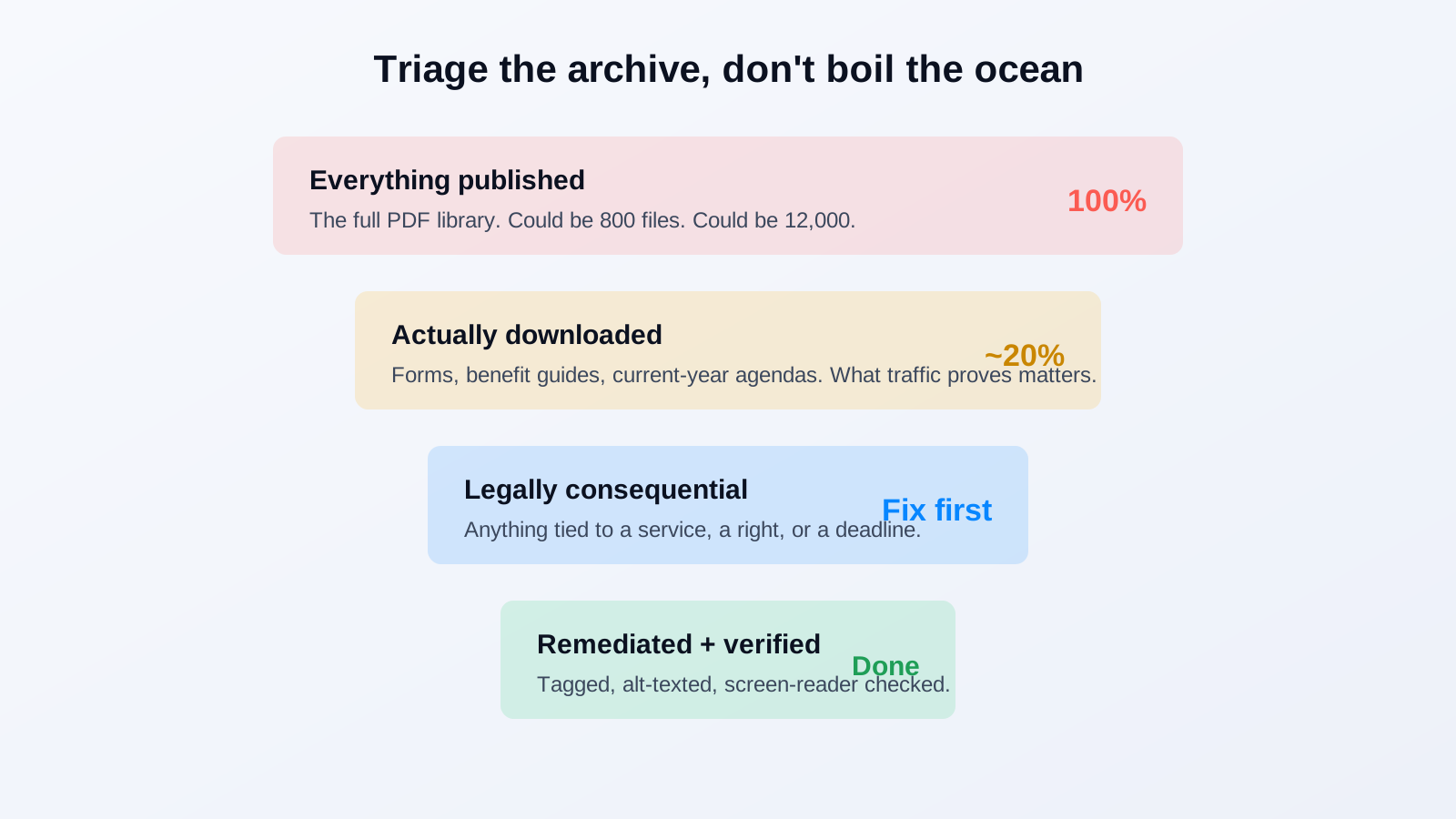
Nobody remediates the whole archive in one pass, and trying to is how projects stall. Rank by two things: traffic and consequence. A benefit application form downloaded 40,000 times a year gets fixed before an archived 2016 internal memo that gets opened twice a quarter. A document tied to a right, a service, or a deadline outranks a historical record with no active use. Your own analytics already tell you which files people actually open, so the priority list mostly writes itself.
Then be honest about what's genuinely archival. Some documents are retained for the record but carry no active service function. Those still need a plan, but they belong at the back of the queue, not blocking the forms a resident needs this week. A documented, dated triage schedule that the agency controls is itself evidence of good-faith progress, and that matters if a complaint ever lands.
Why Manual Remediation Alone Doesn't Scale
A trained specialist takes 20 to 30 minutes to remediate one untagged PDF: tagging headings, setting reading order, adding alt text, fixing table structure, verifying with a screen reader. For 300 documents, that's manageable with existing staff over a few months. For 6,000, it's roughly 2,000 to 3,000 hours of specialist labor, work most agencies can't staff and can't afford to contract out entirely. This is the math that turns a compliance deadline into a genuine operational problem.
PDF Accessibility AI changes that math. It handles the volume work automatically, tagging, structure detection, reading order, alt text generation, across the whole archive, and routes the output to accessibility specialists for review rather than building every file by hand. Automation does the repetitive tagging that ate 25 minutes per document. A human still checks the result, because complex tables and detailed images genuinely need judgment. DOJ's own stated reason for the deadline extension was that automated tools alone can't be trusted on complex content, which is exactly why the specialist-review step exists.
Our website scan came back clean and we thought we were done. Then we actually counted the PDFs: just under 6,000, going back eleven years. Manual remediation at 25 minutes each was never happening with our team. AI-assisted remediation with our staff reviewing the output cleared the priority backlog in under three months.
accessibility coordinator, state health and human services agency
What to Actually Do This Quarter
Start with the count, because you can't plan against a number you don't have. Run a full inventory of every published PDF and how many fail automated checks. Pull your analytics to rank documents by download volume. Flag every file tied to a service, a benefit, or a legal right as priority-one. Then pick a remediation path that matches the scale you actually found, not the scale you assumed.
One thing not to do: assume the website audit covered it. That's the single most common and most expensive mistake in government accessibility right now. The homepage was never the risk. The 6,000 documents linked from it always were.
Related reading
If you don't know how big your PDF backlog is, book a demo and we'll run a sample audit against your live site and give you the real number.
Ready to see it in action?
Book a demo and we'll configure Keyspider on a live sample of your content, within 48 hours.
Book a Demo